
October 9, 2026
360 Video Booth For Austin Events: How To Create Viral Slow-Motion Video Content
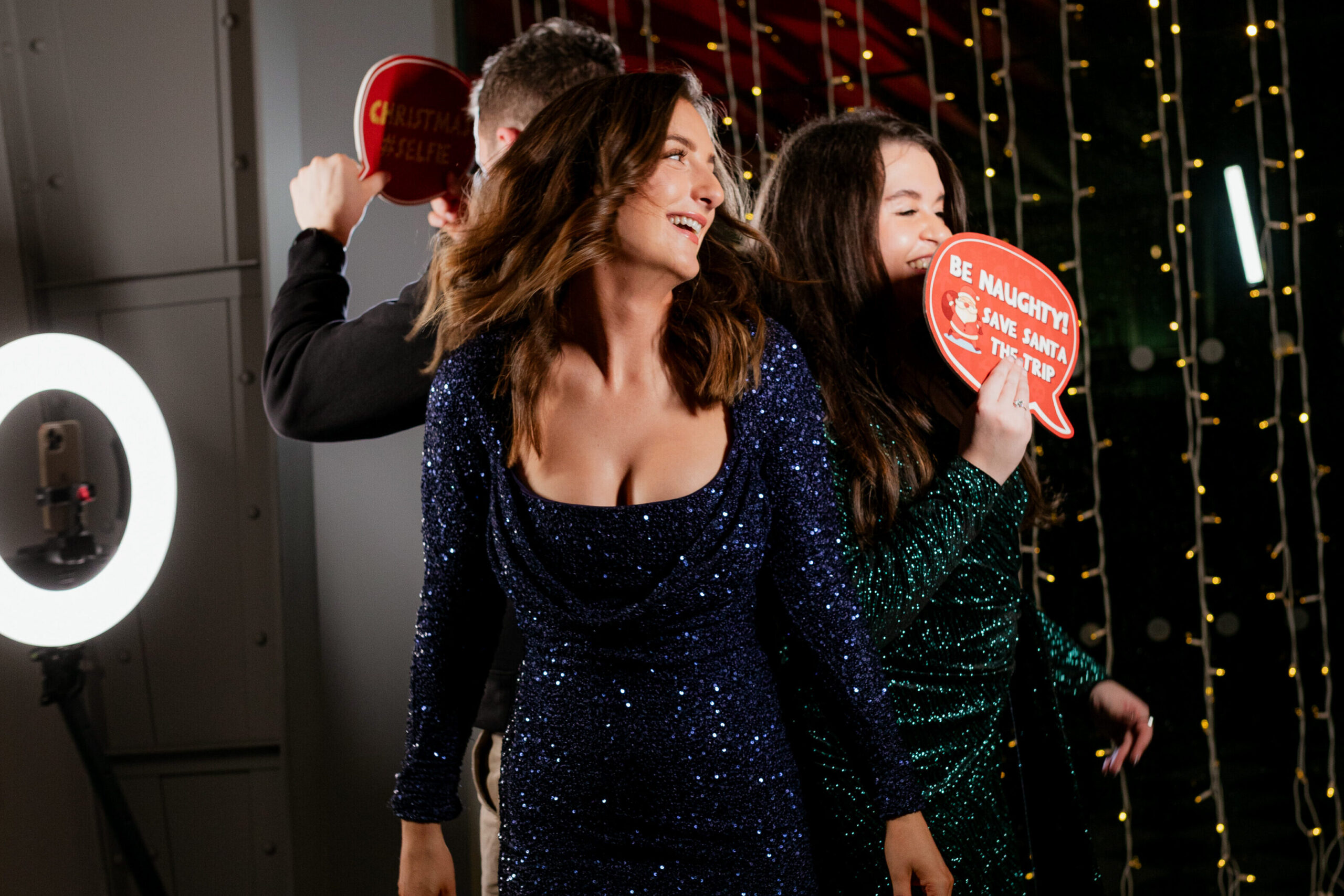
The music hits, the camera starts circling, and suddenly your guests are moving in slow motion while the whole room seems to disappear behind them. A good 360 video booth turns a few seconds of movement into a polished clip made for Instagram Reels, TikTok, and event sharing.
The difference between an average spin and a video people want to post comes down to more than the rotating camera. Your platform size, safety zone, lighting, camera angle, audio, effects, video ratio, and sharing process all shape the final result.
If you’re comparing a 360 video booth Austin providers offer for a wedding, corporate event, private party, or brand activation, this guide shows you what to look for before you book, what your venue needs, and how to get better-looking videos without overcomplicating the experience.
What To Look For In A 360 Video Booth Austin Setup
A 360 video booth Austin setup uses a rotating camera arm to circle you and your guests on a platform. The footage is then edited into a short video, often with slow motion, speed changes, music, graphics, or other effects.
If you’re looking for a guide to photo booth rental, the same planning principles apply here: look beyond the booth itself and consider the camera quality, lighting, space, guest experience, sharing options, and level of support included with the rental.
The best setup is the one that matches your event rather than simply offering the most effects. A wedding may need elegant lighting and restrained branding, while a product launch may benefit from branded graphics, energetic audio, and a faster social-sharing workflow.
How A 360 Video Booth Fits Different Austin Events
Weddings
A 360 video booth can become part of the wedding entertainment without taking attention away from the couple or the dance floor.
Set it up near the cocktail area or reception space so guests can step in between other activities, then capture a first-dance-inspired movement, champagne toast, group spin, or fun outfit reveal.
The result is a high-energy video guests can instantly share, while the couple gets a collection of memorable moments from their guests’ perspective.
Corporate Events
For corporate events, a 360 video booth can be built around the company’s brand, campaign, product, or team culture.
Branded overlays, custom audio, graphics, and sharing options can turn each video into social-ready content that extends the event beyond the venue.
At a conference, gala, employee event, or launch, it gives attendees an interactive break from the usual networking while creating a polished experience they will remember and want to share.
Private Parties
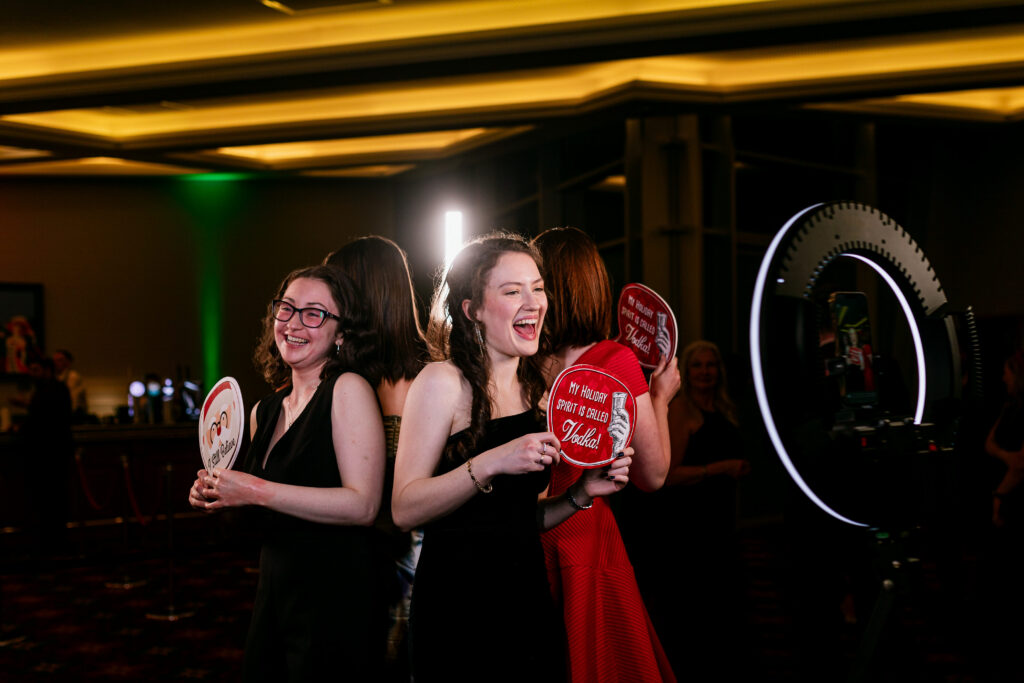
A 360 booth works particularly well for birthdays, anniversaries, graduations, holiday parties, and other celebrations where the goal is to get people moving and having fun.
Guests can create clips with coordinated dances, group jumps, dramatic poses, or quick transitions with friends.
Instead of simply taking a photo, they get a short piece of entertainment they helped create, making the booth something guests can watch, join, and share throughout the party.
Brand Activations
For a brand activation, the 360 booth can be designed around a specific campaign, product, or visual concept rather than functioning as a standalone attraction.
A product reveal, branded movement, campaign hashtag, or custom video effect can give guests a reason to participate while keeping the brand visible in the finished content. With fast digital sharing and optional data capture, the experience can also help turn event interactions into measurable engagement while giving attendees something entertaining to take away.
The existing article already supports branded graphics, campaign-focused content, sharing, and data capture for this type of event.
How Does A 360 Spin Booth Work?
A 360 spin booth, known as the 360 video booth or video booth, uses a camera mounted to a rotating arm that moves around guests while they perform a short action or pose. Software then turns the footage into a finished video that can be delivered digitally.
When comparing 360 booth options, consider the must-have features when booking, including professional lighting, a suitable platform, a clear safety zone, an attendant, fast digital sharing, customizable graphics, and video formats suited to your social channels.
The capture itself is only one part of the process. The camera needs enough light to record clean motion, the platform needs enough surrounding space for the arm and guests, and the operator needs to keep people positioned safely while encouraging movement that looks good from every angle.
For a stronger result, plan the session around one simple action. A jacket reveal, group jump, champagne toast, dance move, hair flip, or coordinated pose gives the camera something interesting to capture as it moves around you.
The finished clip can then include:
- Slow-motion sections
- Fast-to-slow speed ramps
- Reverse effects
- Boomerang-style edits
- Custom graphic overlays
- Branded intro or outro screens
- Custom music or audio
- QR, text, or email sharing
You don’t need all of these. In fact, too many effects can make the experience feel overwhelming. One or two well-chosen effects usually create better results and happier attendees.
How Much Space Does A 360 Booth Need?
Space is one of the easiest details to overlook when planning a 360 booth. A compact setup may fit in less room, but you should confirm the exact footprint with your provider before assigning a location.
For a larger production-style setup, planning around 12×12 feet or more gives you useful room for the platform, camera movement, lighting, and guest flow. Some setups may require more space, with certain 360 booth configurations needing around 15×15 feet for the platform, lighting system, operating area, and safe guest movement.
Don’t measure only the platform. You also need an operating and safety zone around the rotating arm, space for guests to step on and off, room for an attendant, and enough clearance for people waiting nearby.
What Your Venue Should Confirm
Before the event, check:
- Flat, level floor suitable for the platform
- Enough clearance above the setup for the rotating camera arm and lighting
- Nearby electrical access
- A safe route for cables
- Adequate room for guests to queue without blocking entrances or service areas
- Elevator, ramp, or loading access if equipment must travel between floors
- Outdoor protection from rain, unstable ground, and strong wind
A dance-floor edge or open area near cocktails can work well because guests naturally pass through those spaces. Avoid putting the booth where the rotating arm or queue interferes with catering, exits, bar service, or other event activities.
Why Lighting Matters So Much For Slow-Motion Video
Slow-motion video needs enough light to preserve detail during movement. If the setup is too dark, faces can become muddy and fast movement can look less crisp.
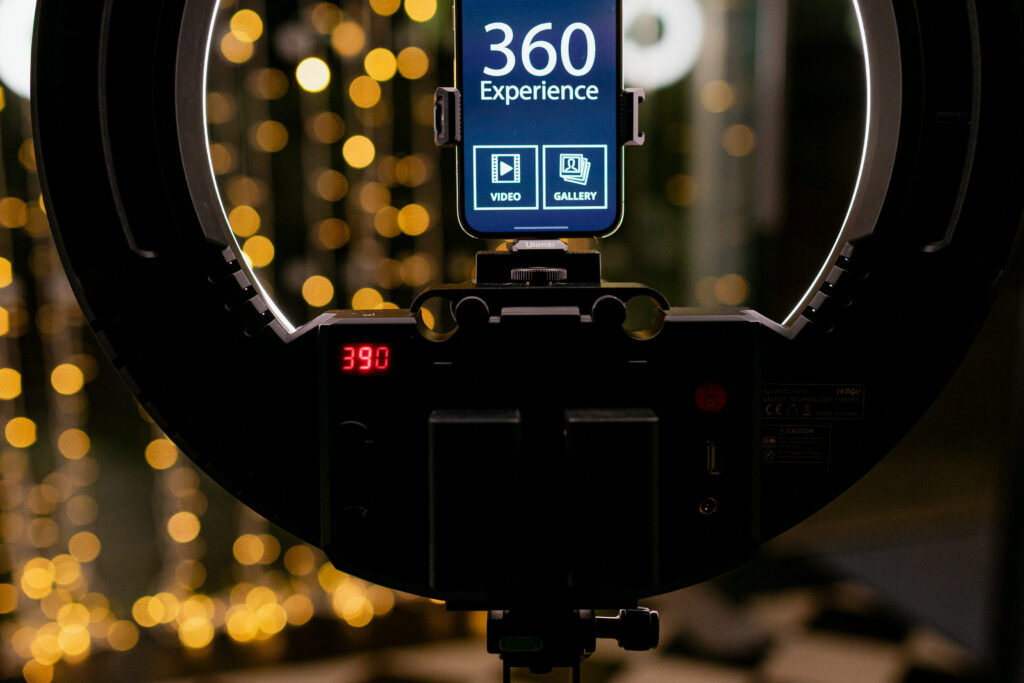
Continuous LED lighting is generally more useful for a 360 video setup than relying on a traditional camera flash. A well-positioned lighting system can illuminate guests as the camera moves around them instead of leaving one side of the platform noticeably darker than another.
Ask whether lighting is included or whether it is an upgrade. You should also ask how the lighting will work with your venue’s existing fixtures.
For an upscale wedding, you may want softer, neutral lighting that complements the room. For a corporate activation, you might prefer controlled lighting that works with brand colors and a custom backdrop.
Choose The Right Video Ratio For Reels And TikTok
The final video ratio matters because your guests are likely to watch and share the content on phones.
For Instagram Reels and TikTok, vertical 9:16 video is generally the most natural format. Square and landscape formats can still make sense when you need the content for websites, presentations, venue screens, or other channels.
Ask your provider whether the output can be created in multiple ratios. This is particularly important for corporate events where the same footage may need to work as social content, internal communications, paid advertising, or a post-event recap.
A strong production can also leave enough visual space for branding without covering faces or important movement.
Custom Audio And Overlays Make The Videos More Engaging
Music is often treated as an afterthought, but it can completely change the pace of a 360 clip. A strong beat gives guests a natural cue for a movement, reveal, or pose.
You can also use a custom audio overlay for branded events, provided the intended use and music rights are handled appropriately. For corporate activations, the audio could complement a campaign theme or branded experience rather than relying on a generic track.
Graphics should follow the same principle. Your logo, event name, hashtag, or campaign message should be easy to see without taking over the video.
For example, a branded intro followed by a clean logo overlay can feel more polished than placing a large logo across the entire frame.
How To Create Better Slow-Motion Clips
You don’t need professional choreography to get good footage. You need clear direction and enough time for guests to understand what to do.
A booth attendant can give guests a simple cue such as “start here, turn toward the camera, then hit your move when the music drops.” That small amount of direction can make the difference between random movement and a clip with a recognizable beginning, middle, and peak.
For group sessions, keep the number of people appropriate for the platform and framing. More people can create energy, but too many can make the footage crowded and make it harder for everyone to remain safely positioned.
A reliable shot list could include:
- Group jump on the beat
- Slow turn toward the camera
- Outfit or jacket reveal
- Coordinated dance move
- Champagne or celebration pose
- Product reveal for a brand event
- Couple’s first dance-inspired movement
- Team celebration or victory pose
What Affects The Cost Of A 360 Video Booth In Austin?
The cost of a 360 booth depends on the scope of your event and what you need the experience to include. Several factors can affect the final quote, including:
- Rental duration: Longer event coverage generally requires more staffing and production time.
- Staffing: An onsite attendant can help guests use the booth, manage the queue, and keep the experience running smoothly.
- Platform size: Larger platforms can accommodate more guests but may require more equipment and venue space.
- Lighting: Professional lighting can improve the quality of slow-motion footage, particularly in darker venues.
- Custom branding: Branded overlays, graphics, intros, outros, and other custom elements can add to the production requirements.
- Backdrops and setup: Custom backdrops or additional visual elements may affect the overall setup and cost.
- Video effects: Slow motion, speed ramps, boomerang effects, reverse effects, and other custom edits can change the scope of the experience.
- Sharing features: Instant QR, text, or email delivery can be included depending on the provider and package.
- Post-event content: Galleries, additional video processing, or custom video output may affect the final price.
- Lead capture and data collection: Corporate events and brand activations may require forms, analytics, or branded data collection as part of the experience.
When comparing photo booth rental Austin options, look beyond the headline package. Check whether an attendant, professional lighting, custom graphics, instant sharing, branded videos, and post-event gallery are included. Two providers can offer similar-looking packages while delivering very different experiences.
For corporate events and brand activations, you may also need features such as lead capture, analytics, custom video output, or branded data collection. These additions can turn a 360 booth into part of your event marketing strategy rather than simply an entertainment feature.
360 Booth Vs. Traditional Photo Booth Rental Austin
A traditional photo booth rental Austin setup is usually the better choice when your priority is still photography, physical prints, classic poses, or high guest throughput.
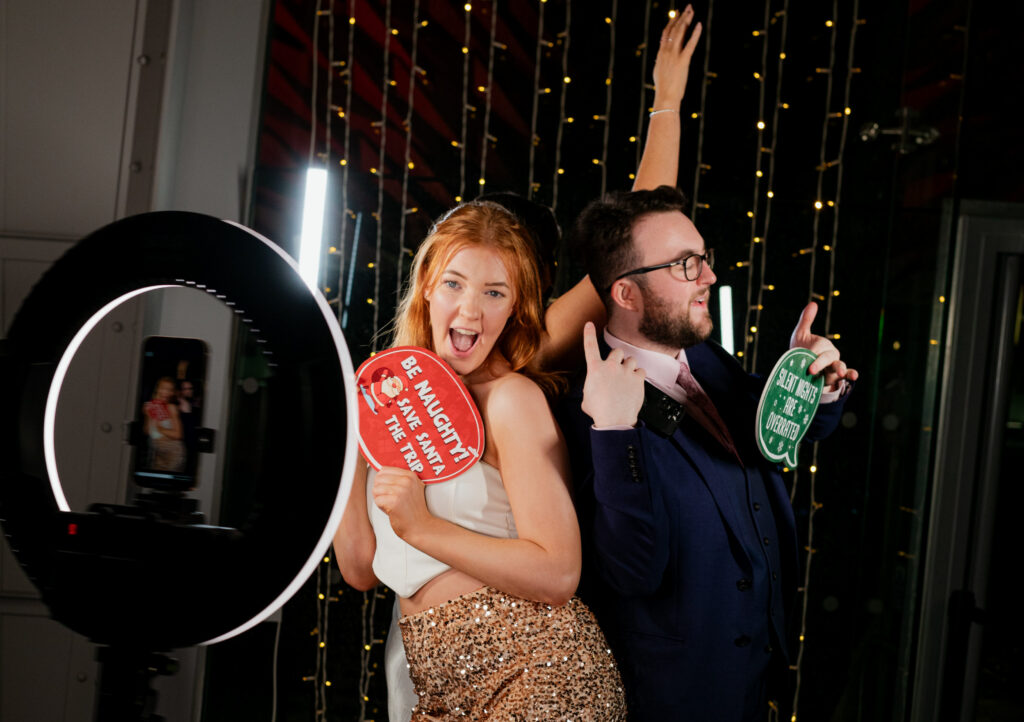
A 360 booth makes more sense when your priority is movement, social video, and creating a visible event moment. The experience also works well when you want guests to watch other groups use the booth and then join in themselves.
You can also combine both. A 360 setup creates the high-energy video moment while an austin photo booth with prints gives guests a physical keepsake.
The right choice depends on what you want people to leave with. If everyone needs a printed photo, don’t pay extra for a 360 experience simply because it looks impressive online.
How An Event Photo Booth In Austin Fits Corporate Events
An event photo booth Austin setup can work particularly well for launches, conferences, galas, employee events, trade shows, and branded activations because every finished clip can carry the visual identity of the event.
You can build the experience around a product reveal, team celebration, branded pose, campaign hashtag, or other planned moment. For larger events, a dedicated attendant can also help maintain throughput and make sure guests understand what to do.
If lead generation matters, ask about the data flow before the event. Find out what information guests provide, when they provide it, where it is stored, and how the finished video is delivered.
For corporate use, the booth should support your event objective rather than operate as an isolated attraction.
Common Mistakes to Avoid
The biggest problems usually happen before the first video is recorded. A few planning decisions can protect the quality of the final content and keep the booth safer and easier to use.
- Underestimating the footprint creates cramped guest flow and can interfere with the camera arm, lighting, or queue, so confirm the full operating area with your provider before choosing the location
- Using poor lighting can leave faces dark and motion less defined, so confirm that continuous event lighting is part of the setup
- Choosing too many effects can slow the experience and make the final gallery feel inconsistent, so select one or two signature edits
- Ignoring video ratios can leave you with content that needs awkward cropping for social platforms, so request the formats you actually plan to publish
- Treating audio as an afterthought can make a clip feel flat, so choose music or custom audio that supports the timing and tone of the event
- Skipping guest direction can produce random, hesitant movement, so have an attendant give short instructions before each session
- Forgetting the safety zone can put guests or equipment too close to the rotating arm, so keep the operating area clear and controlled
- Choosing the cheapest package automatically can leave out important production elements, so compare the complete inclusions rather than the headline price
Frequently Asked Questions
How Many People Can Use A 360 Booth At Once?
Capacity depends on the platform and the way the provider frames the shot. Larger platforms can accommodate several guests, but adding people indefinitely can make the video crowded and harder to manage safely. Your provider should recommend a practical group size for the specific platform.
Is A 360 Booth Good For Corporate Events?
Yes, particularly when you want branded social content, an interactive attraction, or a memorable activation. You can customize overlays, audio, graphics, and sharing, while lead capture and analytics may be available for campaigns where measurable engagement matters.
Should You Get A 360 Booth Or A Regular Photo Booth?
Choose a 360 booth when movement and social video are the priority. Choose a traditional booth when you mainly want photos, prints, or faster guest throughput. If you want both shareable videos and physical keepsakes, combining the two can be a stronger event solution.
How Far In Advance Should You Book A 360 Booth In Austin?
For weddings and larger corporate events, booking a few months ahead gives you more choice, particularly for popular spring and fall dates. If your event is sooner, availability may still exist, so provide your date, venue, guest count, and desired rental duration when requesting a quote.
Can You Use A 360 Photo Booth Outdoors?
Yes, a 360 photo booth can work outdoors, provided the setup has a level, stable surface, reliable power, and protection from weather. Direct sunlight, rain, and strong wind can affect the equipment and video quality. Tell your provider about an outdoor venue in advance so they can plan the setup around the conditions.
How Do Guests Receive Their 360 Photo Booth Videos?
Most 360 booths can deliver finished videos digitally during the event through a QR code, text message, email, or another sharing method. Ask your provider how quickly videos are processed and whether guests can download them immediately. For corporate events, also check whether the final videos can include your branding before they are shared.
Your Next Step For A Better 360 Experience
The right setup gives you more than a rotating camera and slow-motion video. You get a planned experience with the right platform footprint, lighting, effects, audio, branding, and sharing workflow for your event.
At Austin City Photo Booth, we create 360 video experiences with professional lighting, custom graphic options, curated music, branded outros, slow-motion effects, super-speed motion, boomerang effects, onsite sharing, and data capture options. Our studio 360 setup is designed around a 15×15-foot average footprint, giving your event a properly planned production space.
We can help you create an experience that fits your venue, guests, event style, and content goals. If you’re planning a 360 video booth Austin experience, we’ll help you create videos your guests will want to share.